
Providing you with actionable insights

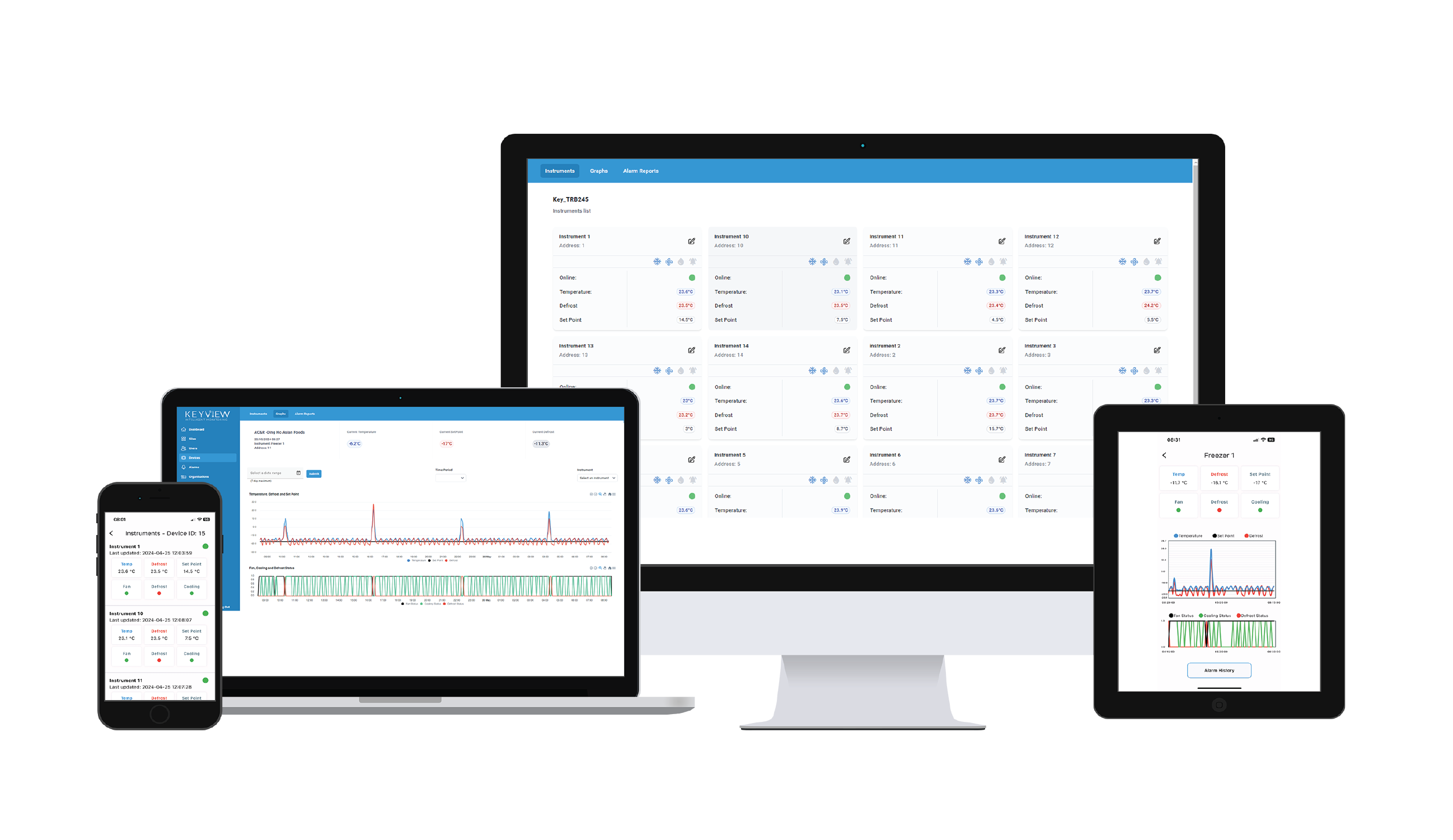
KeyView is a cloud platform designed for small stores to manage refrigeration seamlessly. After account activation, users can add their store via a plug-and-play gateway. The platform allows real-time and historical data verification of coolers, with threshold alert messaging for high temperatures and connectivity issues through email and mobile app push notifications. Additionally, it supports multiple users with different access levels, simplifying integration and monitoring.

Download App now

Top Features of KeyView for Seamless Refrigeration Management

Gain Complete Insight into Cooler Performance Anytime, Anywhere

Real-Time & Historical Data Monitoring

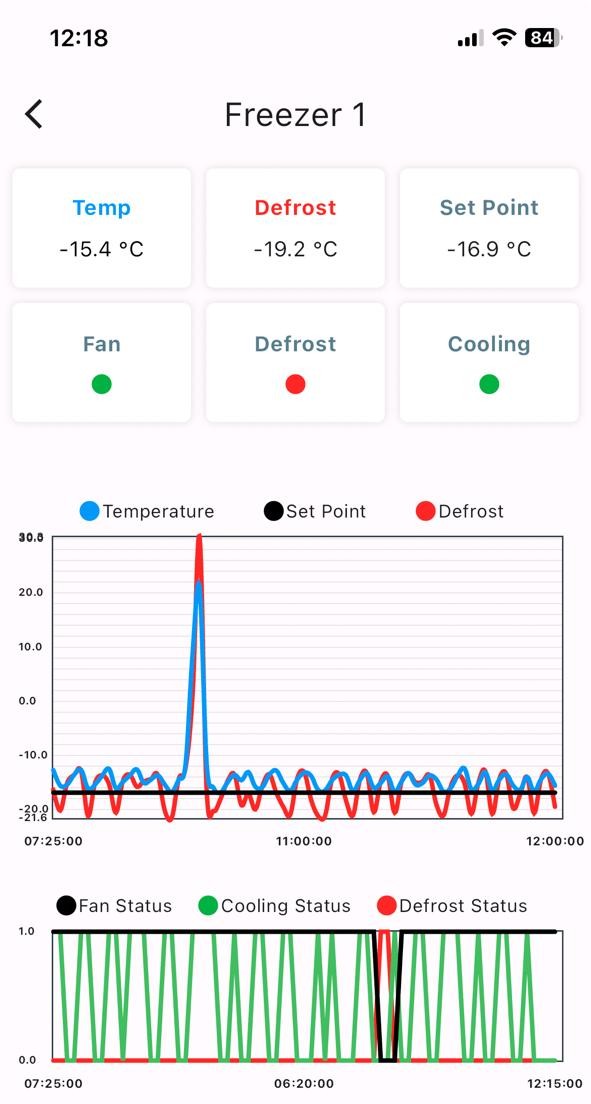
KeyView provides a comprehensive view of cooler performance with both real-time and historical data access, enabling store owners to keep track of temperature fluctuations, usage trends, and more. This ensures that users can make informed decisions and identify issues before they escalate.
Instant Alerts for Temperature & Connectivity Issues

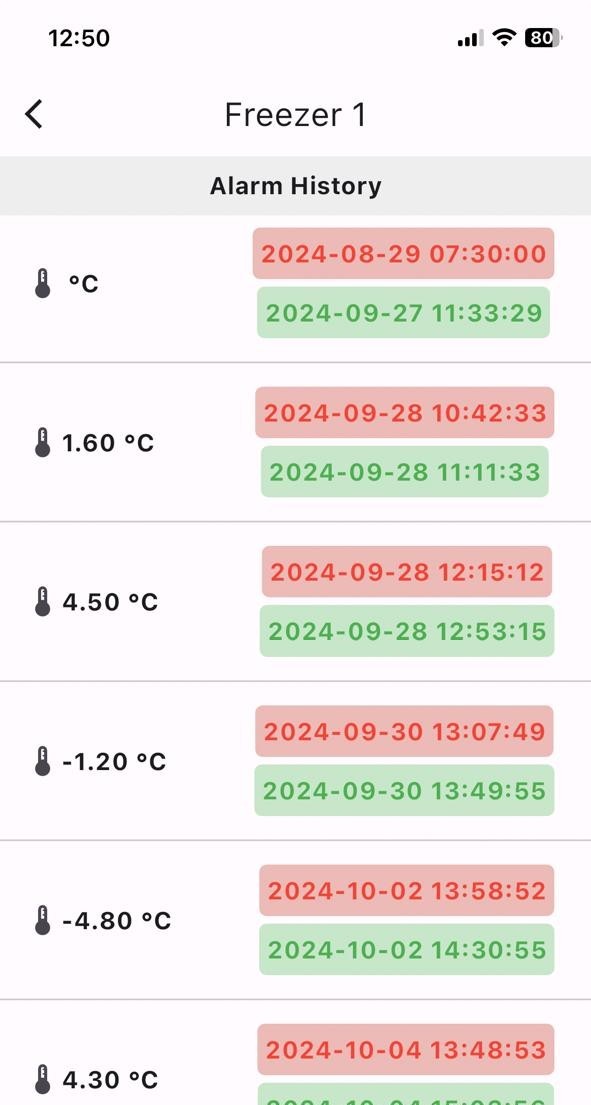
With threshold alert messaging, KeyView notifies users via email and mobile push notifications if a cooler’s temperature goes beyond set limits or if connectivity issues arise. This proactive approach helps prevent inventory loss and maintain optimal refrigeration conditions.

Multi-User Support with Customized Access Levels

KeyView simplifies team collaboration by allowing multiple users with different access levels. Store managers and employees can have appropriate permissions to monitor and manage coolers, enhancing efficiency and security in store operations.

Simple, Fast, Flexible!

Powerful tool designed to streamline refrigeration management for small store

The KEYVIEW APP is available for download in Google Play Store and Apple App Store.
The following is a list of usable Operating Systems:
• Android 5.1 or greater
• IoS 9.0 or greater.

SignUp for Demo Site
KeyView mobile app

Highly User
friendly Mobile App / Web

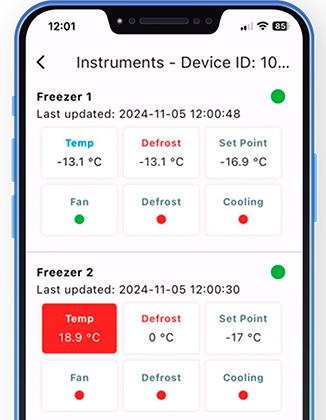
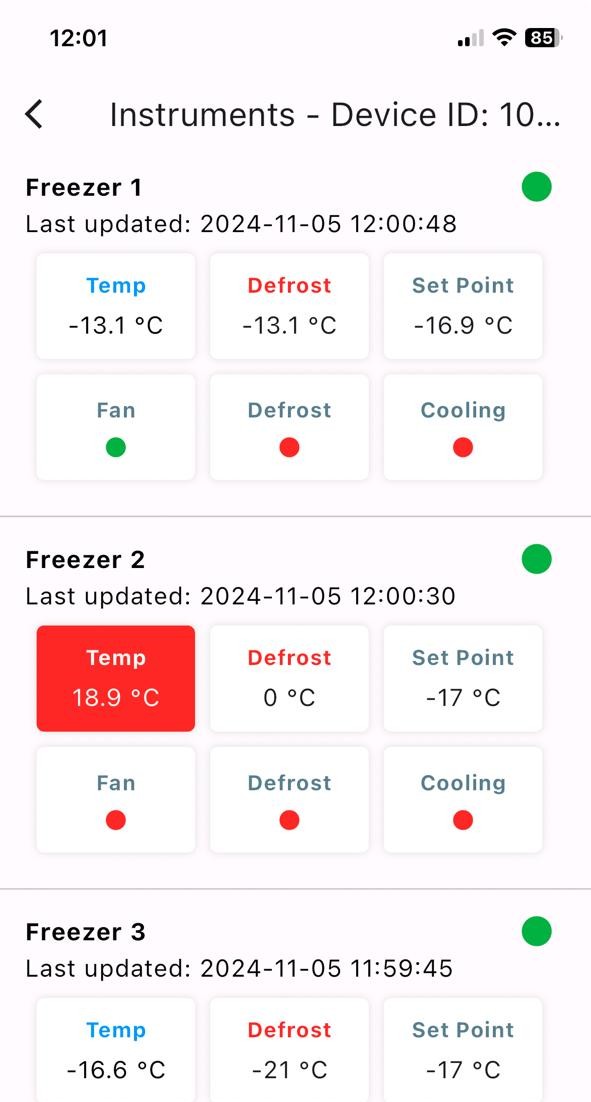
Cooler performance under control data storage & analytic. Regulation temp, defrost temp, control setpoint, fan Status, defrost status, cooling status

  • Reliable and Secure Platform
  • Easy Intergation
  • Everything is perfectly orgainized

Connect from
Anywhere

Optimized maintenance alarm notification (Email & Mobile Push notifications). View Graphs, Set alarm thresholds, download printable charts,

  • Real time data
  • Printable Graphs

Available on both
IOS & Android

Alarm Reports, activate thresholds alert notifications for each cooler operation. Mobile push notifications, email notifications, high temp alarm delay.

How to Onboard Devices on KeyView

After account activation, add your store via a plug-and-play gateway, then scan the QR code in the KeyView app.

1

Create your account

Sign up or sign in at mini.keyview.co.za and activate your account.

2

Install the app

Download KeyView on iOS or Android — QR onboarding lives in the app.

3

Add your store

Create the store location where your gateway and coolers will report.

4

Power the gateway

Install the plug-and-play gateway near coolers and wait for cloud connect.

5

Scan the QR code

Scan the device QR, assign a name and store, then register.

6

Verify & alert

Confirm live temperatures, set thresholds, and invite your team.

Get it for free!

A better way to present your apps, Now available on the App Store and Play Store!

Subscribe to receive free updates!

We’ll only send you the best stuff - no spam.